Eleven experience design lessons from Adobe Design Summit
Team members share insights they’ve gleaned while designing Adobe’s products

Those insights were shared at Adobe Design Summit, the biennial, multi-day celebration of Adobe’s internal design culture. During the two-day virtual broadcast, we learned lessons from the bright and brilliant people who design and refine the Adobe tools and experiences that millions of people use every day.
Lesson 1: Uncomfortable leaps can uncover opportunity
Designers work closely with other teams to develop features in the best way possible for our customers, and when they take leaps that make them uncomfortable, it can lead to big strides forward. Sam Anderson, Senior Designer, Adobe Podcast, had been working with the product team on AI technology for Podcast, called Enhance Speech, that would remove background noise, reverb, and echo from recordings.
They’d been meeting every week to discuss when AI was working well and when it wasn’t, and Sam had been stress-testing the feature (recording with background noise and music, and modulating his voice while talking into the microphone) to see whether AI could improve the terrible audio he created. During one of those sessions, he pushed the AI so hard that it changed his voice. Self-conscious about the quality of the audio, he was hesitant to share it. He eventually overcame his apprehension, and the decibel-by-decibel analysis of that audio ultimately helped the AI filter perform better under real-world extreme recording conditions.
Lesson 2: Visual stories can reveal details and align perspectives
Jesh Barlow, Staff Designer, Experience Cloud, reminisced about a product meeting that had reached a conversational stalemate. It took a good friend and mentor to remind him that designers are uniquely positioned to move teams out of conversational dead ends by using visual skills to unravel details so everyone can see them more clearly.
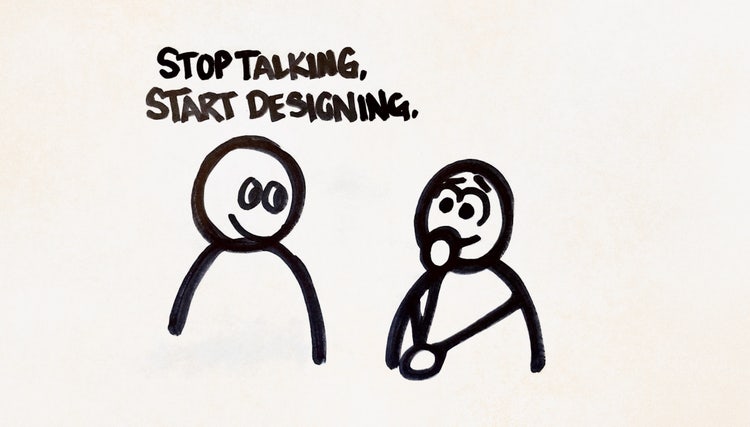
He gathered a small group of strategic thinkers—together they created a storyboard of potential experiences pretending to be different kinds of users, pointing out trouble spots, and imagining the tools they'd need to get complete tasks—to translate perspectives from previous meetings into a story. Three main personas, conceptual interfaces, and end-to-end workflows were all presented in a story that included characters with real problems and solutions. The story wasn't perfect and the details needed fine-tuning, but it helped everyone finally see they’d all been talking past each other.
Lesson 3: A growth design approach can help overcome ambiguity
Too many options, and no specific direction can make designing for open-ended business goals (like increasing usage of a particular feature) feel daunting. That’s when Elmer Barrera, Designer, Document Cloud, advises leveraging data to navigate through the ambiguity. The hypothesis-driven approaches used in growth design can reduce risk and help teams experiment without tying them to any one solution. Because experiments will usually show a clear winner, testing with small groups can help teams understand the results of changes before scaling a feature and measure big bets without committing to a full rollout.
Lesson 4: Sometimes projects are just hard
Torin Edwards, Senior Designer, Experience Cloud, touched on feeling familiar to creative professionals everywhere—concern that his work wasn’t hitting the mark and second guessing himself. What helps him push through during those times is getting together with other designers to talk about how they were feeling and what they were nervous. The conversations helped him realize the problem wasn't that his designs weren't good enough or that he wasn’t advocating for them in the right way but that sometimes projects are just hard and that all designers, both more senior and less, sometimes struggle to figure out how to push projects through and deal with challenges.
Lesson 5: Working between and across teams can incubate exciting new ideas
One of the coolest things about brains, according to Bradee Evans, Principal Designer, Pro Products, is their ability to formulate new ideas. And the better a brain is at associating two different ideas in a unique way, the better it will be at creating net new ideas.
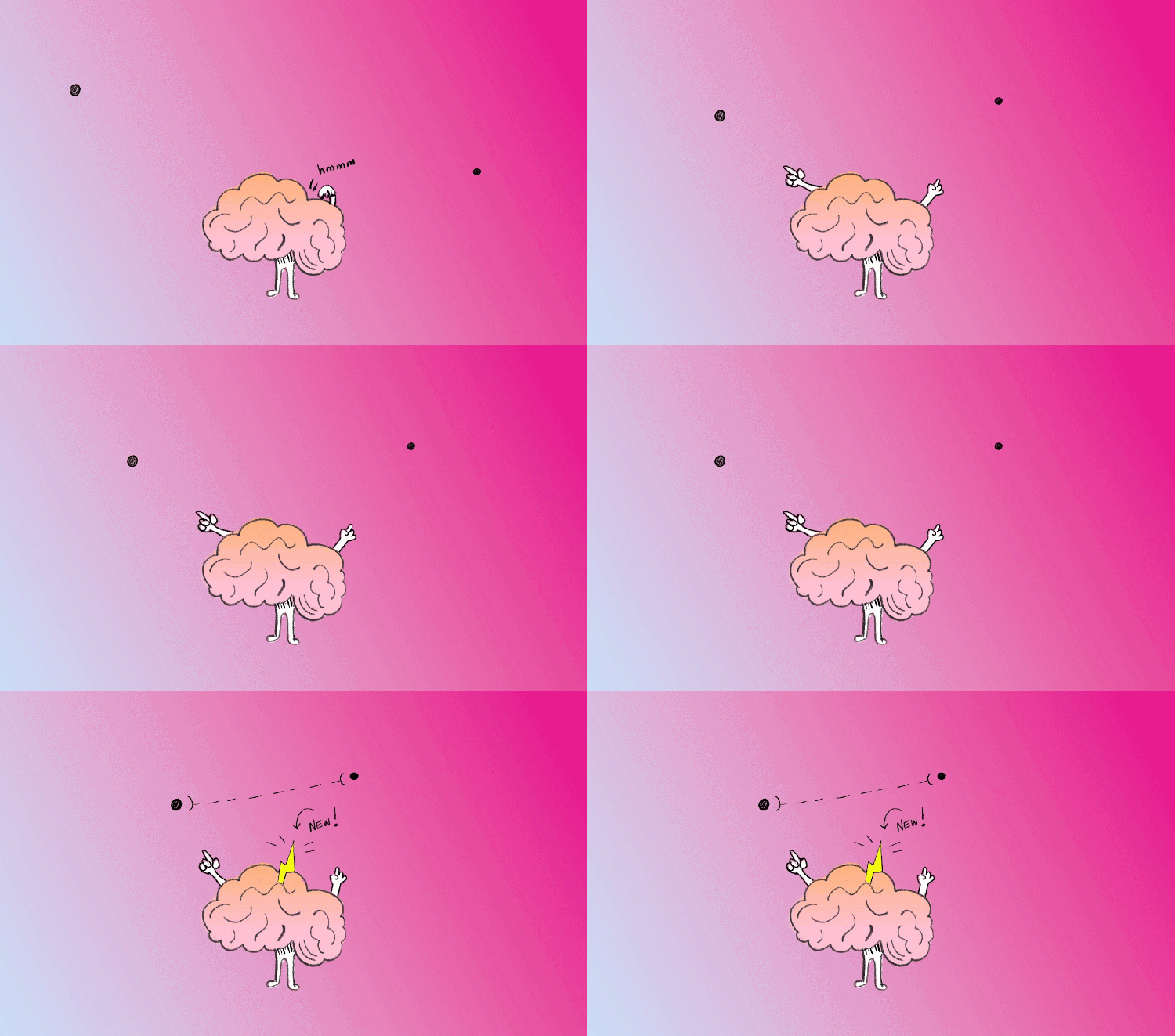
When companies hire creative people, and put them in organizations and on teams, and new ideas form, those ideas are associated with those teams and those organizations. It's less likely for new ideas to form across and between organizations—in the white space—because there are often very few people working there. If more initiatives were incubated in the white space, the incredibly creative people that Adobe hires could work across boundaries to create and nurture new ideas.
Lesson 6: Research databases give designers superpowers
It’s through a continuous cycle of observing and opining that designers process feedback, form problem statements, and set measurement indexes to track progress. When products and features launch, customer reactions provide new opportunities for observation and more optimized opinions. Rahul Mittra, Designer, Experience Cloud, revealed two events that can disrupt the cycle:
- Deferred observation. There are many reasons why teams might defer acting on observations but while they “sit,” they can lose value and relevance, which leads to conducting the same research over and over.
- Disruptive opinions. The inability to access research data to form opinions leads to teams relying on intuition rather than data to make decisions.
Databases capture and store user experience research in a flexible way so that it can be queried later with ease. With findings grouped into actionable opportunities and themes, these databases are superpowers that reveal insights for solving similar problems, enable teams to size up new incoming feedback, make product recommendations backed by earlier research, and build trust in the research and design process.
Lesson 7: Don’t discount the small joys inherent in small details
During a redesign of the commenting icons (to make comments more noticeable without obscuring content) in Acrobat, Senior Designer Dhruv Nawani, and Designer Dincer Paker, added micro interactions, such as pulsing effects on hover, so people could more easily identify when comments had been made in a PDF.
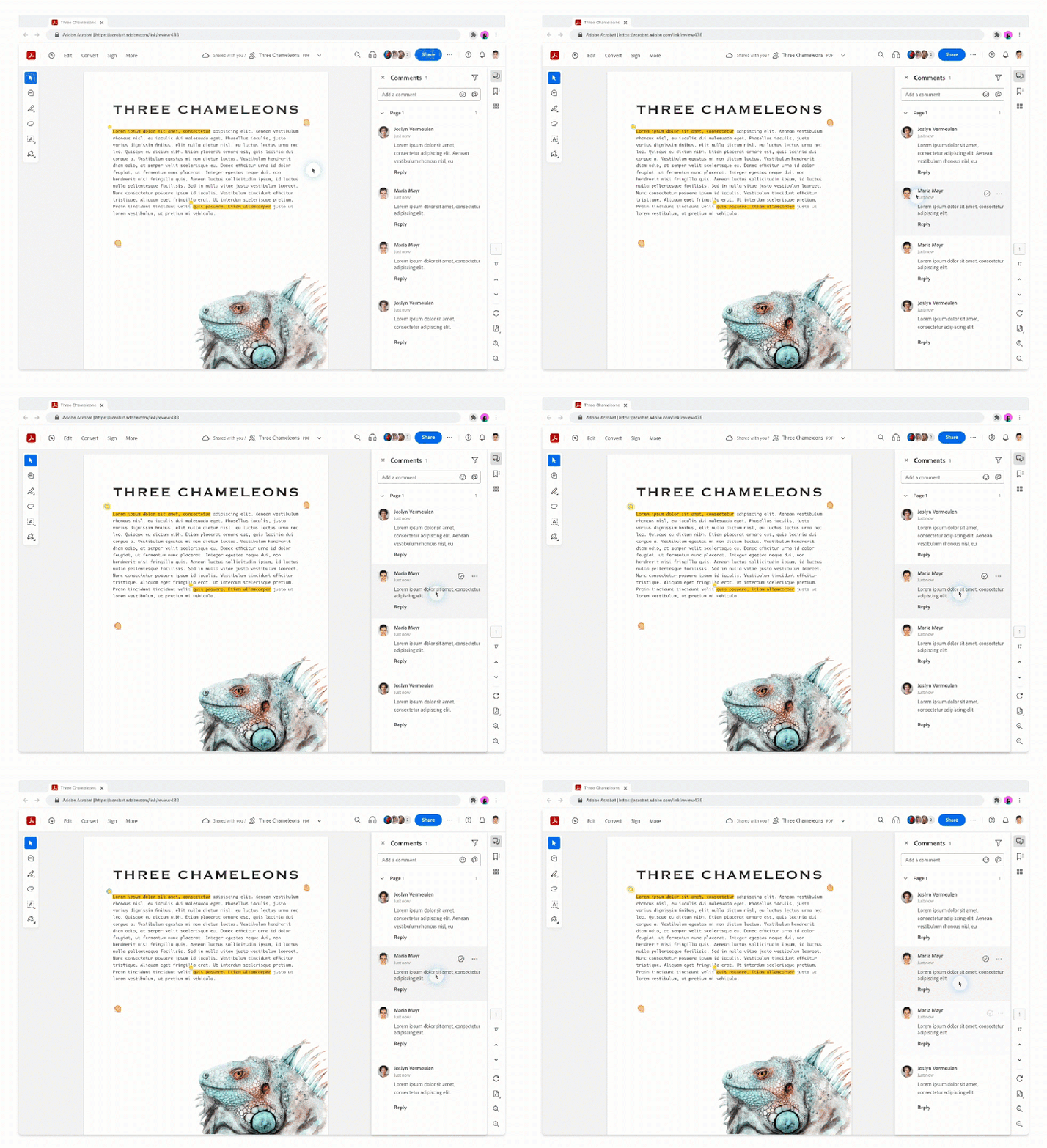
The redesigned icons received favorable feedback from customers, but it was the playfulness of the solution that put smiles on their faces. Small details can create a positive user experience. They can also quickly evolve into ambitious long-term endeavors to inject micro interactions and animations into the product for a new level of user enjoyment.
Lesson 8: Workshops can help bypass complex bottlenecks
Adobe Captivate Designer Apurva Singhal, and Senior Designer Logashwar VK, shared an outline for Code Discovery Workshops— between engineering, product management, and design—to address gaps in understanding the technical constraints of a project. An effective way to address complex technical bottlenecks, they also unearth challenges, provide clarity, and create a shared understanding. To make the workshops useful:
- Bring prototypes. Workshops are more effective when engineering and design create prototypes and mockups.
- Set context. State the feature goal and the user problems need to be addressed.
- Troubleshoot unfeasible designs. Ask engineers to clearly articulate why something won’t work.
- Review the proof of concept. Make sure solutions address user needs and take care when refining or signing off on them.
- Brainstorm and iterate until the right solutions are found. Make the process as visual as possible and encourage participation by using whiteboards or digital collaboration tools.
Lesson 9: Design can be good and scalable
Designing an experience for a single product can have its challenges, but when that experience extends to a platform with multiple products, building a consistent end-to-end customer journey can be exponentially more difficult. Shivika Thapar, Senior Designer, Commerce Design, introduced the concept of a platform experience strategy—design of an end-to-end customer journey customizable by individual teams—that leverages modularity, core design principles, and reusability. Her core strategies for designing at scale can apply to any project:
- Evolve page mindset into modularity. Design systems can’t be built by solving problems on a page-by-page basis. Instead, build reusable components and patterns detached from specific containers.
- Develop design principles. Don’t create bottlenecks by relying on a gatekeeper to make decisions. Instead, define scalable design principles to establish the core values from which all design decisions should be made.
- Create a design language. Invest in a pattern library, a centralized system of reusable components that helps designers stay consistent and efficient and encourages code reusability to make experiences more cohesive.
Lesson 10: When we research tutorial content, we need to measure utility—and fun
Experience researchers for Learn & Community, Mercedes Vega-Villar and Victoria Hollis, investigate user learning behaviors and needs so they can better support them in growing their creative skills. They created the LOAF, the Learning Outcomes Assessment Framework (a combination of rating scales, open-ended questions, and exercises), to examine how people respond to tutorial content from two key perspectives:
- How did it make them feel? When we think of emotional outcomes, the goal is learning experiences that are fun, that spark excitement to continue learning, and that makes our users feel more confident and more in control.
- How well did it teach? For functional outcomes, the hope is that an experience is engaging, that it delivers the optimal level of challenge, and that it ultimately helps users understand the tools and how to use them.
Lesson 11: It’s not so difficult to find your passion and make an impact
For Senior Designer Megan Truong, and Designer Vicky Vo, interacting with Adobe Fresco’s customer base fuels their passion and makes them better designers. Their advice for other people searching to make an impact:
- Don't wait for someone else to volunteer your skills. Finding opportunities that excite you is how to bring your authentic self to work.
- Champion team members who want to start something new. Encouragement ignites passion.
- Take time to reflect, be open, and rediscover what you enjoy. Translate what's most interesting or exciting to you into opportunities. Ask questions and be curious because you never know where small actions might lead.