Creative direction: The secret to great AI images
How to art direct prompts with taste, judgment, and intent
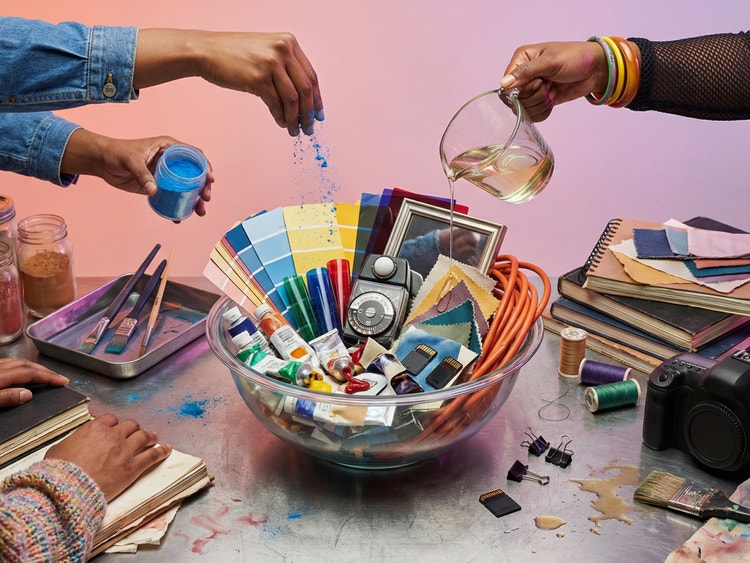
But anyone who’s spent time generating images knows how quickly outputs can turn strange, generic, or just unmistakably AI. Generative output alone doesn’t guarantee quality. That still depends on human taste—along with intent and judgment. Learning how to communicate those qualities clearly is what transforms AI from a slot machine to a creative partner.
Translating the image in your head into a prompt, though, is easier said than done. And I don’t know about you, but I’m not interested in becoming a prompt engineer. Instead, I lean into art direction—taking the creative language I already use and applying it to define generative outcomes.
Over the past year, I’ve tested image models and methods shared by online communities and sharpened a process that improves quality and coherence. It’s a process grounded in the same things designers already think about: tone, style, and composition.
Use LLMs to write prompts
Prompt bars, with their single empty text field and blinking cursor, are deceptively simple. But writing a detailed prompt from scratch can take a surprising amount of time. And if you’re visually inclined like me, it’s not always the most satisfying part of the process.
One of the biggest unlocks I had, while trying to generate better images, was to separate prompt writing from image generation by using a large language model (LLM), like ChatGPT, to write my prompts. It sounds simple, but it can change the trajectory of the process: An LLM can get you past the blank-prompt barrier and into something actionable, fast.
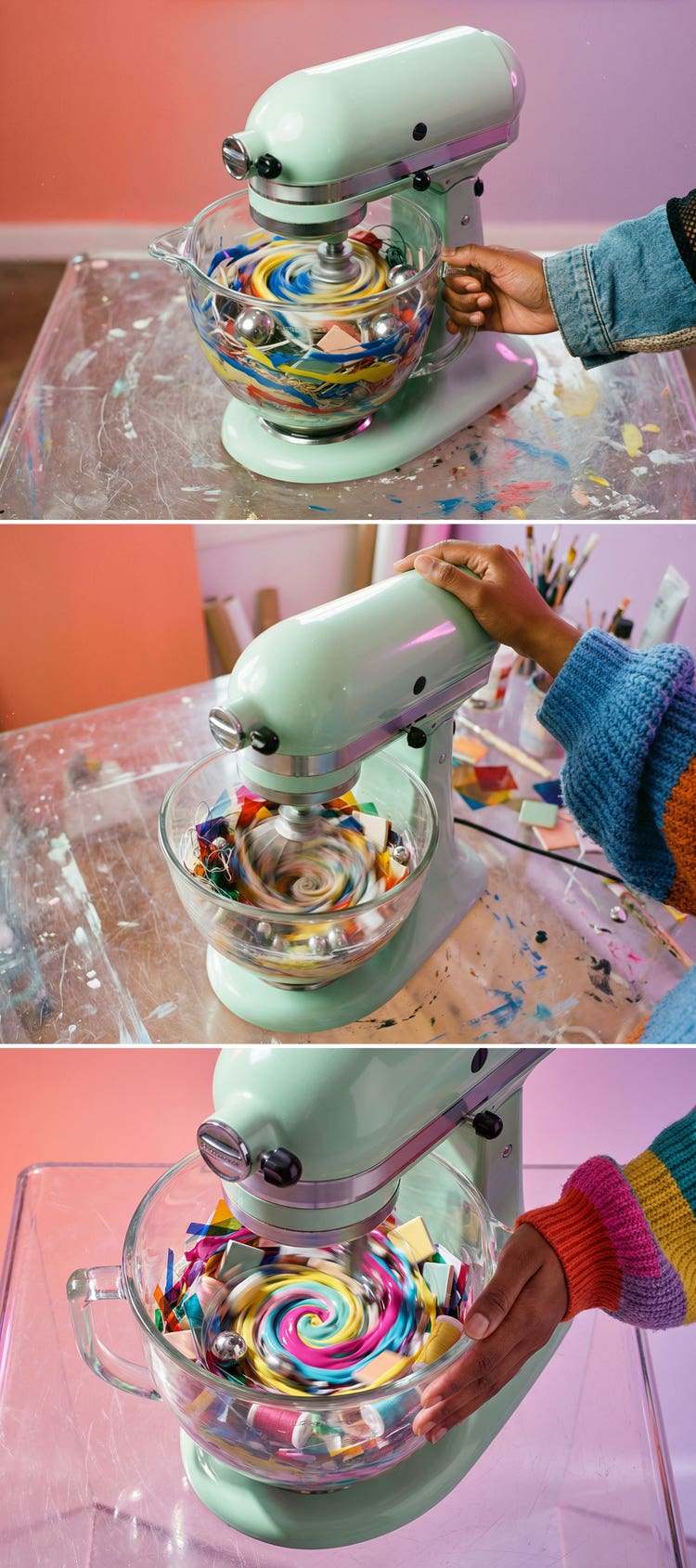
But prompting is rarely one‑and‑done. While first results can be technically correct, visually coherent, and otherwise “fine,” they can also simultaneously feel lifeless and “close, but not quite right.” This is where working with an LLM really shines: Don’t automatically accept what an LLM gives you. Instead, think of it as a drafting partner. Read what it produces, then instead of starting over, change things up, override what feels wrong, and iterate with instructions like: “Make it feel more editorial,” or “Less realism and more imagination.”
The model doesn’t know what a good image looks like. You do. One or two iterations can be the difference between something you’d never use and something that feels right.
Talk like an art director
AI responds best when you’re explicit about the things designers already care about. When you break prompts into familiar categories, images become more intentional and less generic. AI creator Ohneis says that some of the most valuable dimensions to include are:
- Composition: Portrait, overhead, wide-angle, shot from below
- Lighting: Daylight, golden hour, studio light, strong shadows
- Materials and textures: Plastic, brushed metal, rough stone, soft woven fabric
- Mood and style: Minimal, bold, cozy, futuristic
- Technical details: 50mm lens, shallow depth of field, Fujifilm camera
- Imperfections: Film grain, dust specks, lens flare, scratches
The list of possibilities is limited only by imagination, but Images generated without cues like those listed above often look fine but basic. Add them, and things start to feel more real and intentional.
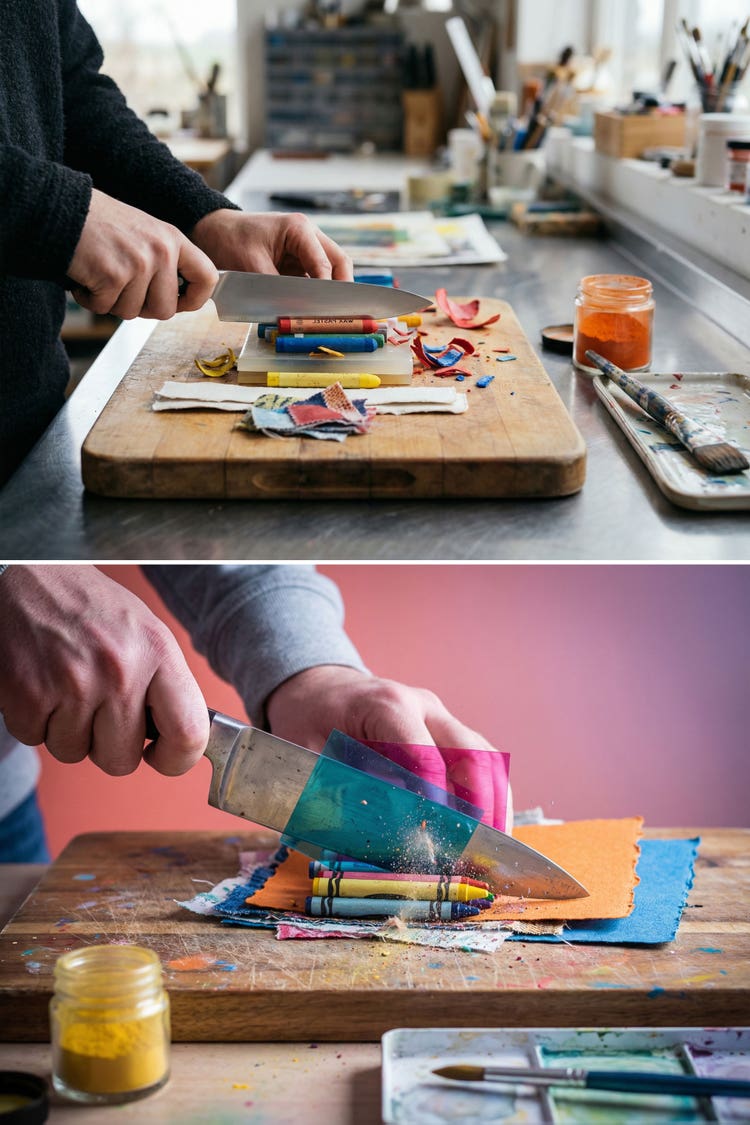
Support prompting with reference images
Starting from scratch works well when you have a clear mental image, but sometimes it’s easier to show than to tell. Reference images can dramatically speed things up, especially when you’re defining a visual direction. One to three somewhat similar images are a great starting point.
Upload those references to the LLM and ask it to, “Translate the image into a JSON context profile.” This formatted JavaScript Object Notation profile extracts visual characteristics—lighting, mood, textures, composition—and turns them into a structured description. From there, you can generate new prompts that carry the same DNA, even as the subject changes.
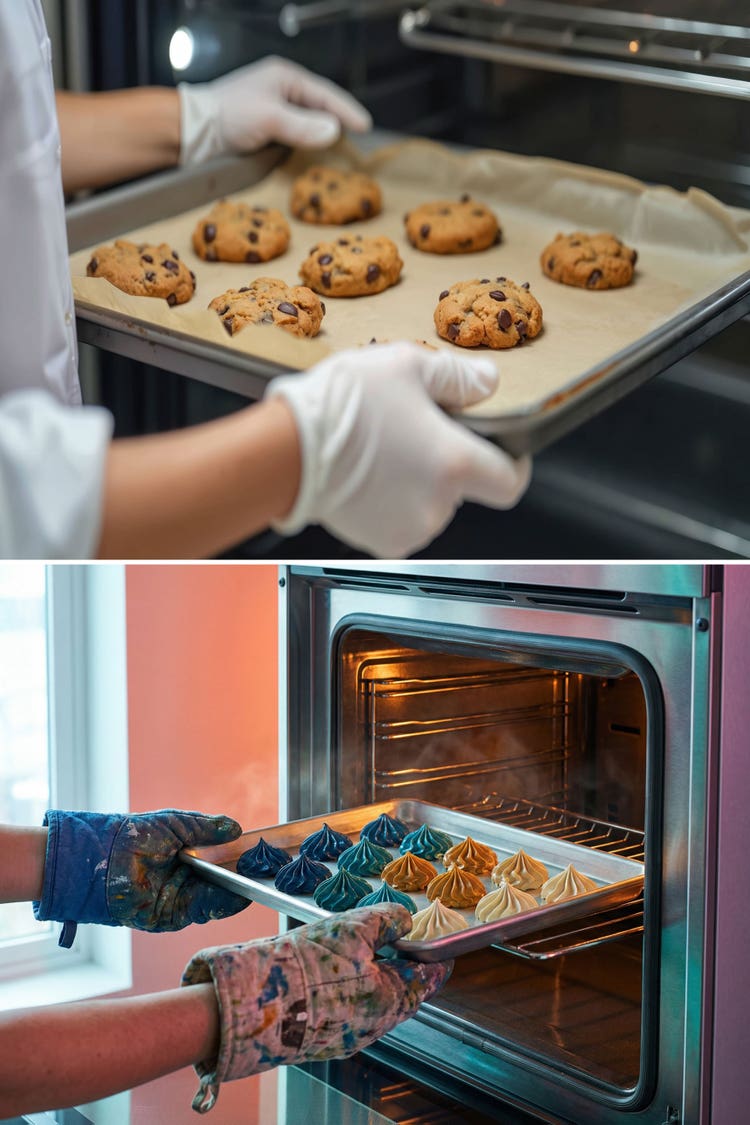
Brand alignment is one of the trickier aspects of generative imagery, but it’s not impossible—especially when brand constraints are treated as part of the art direction, not an afterthought:
- Use brand colors explicitly, and use hex color codes when possible (these six-digit alphanumeric codes can bring specificity to choices)
- Start from approved brand imagery as reference material
If your output is for customer work, you can extend your art direction by describing their mission, values, and identity directly to the LLM. That context will influence the prompt's tone in subtle yet meaningful ways. As with most things in prompting, specificity wins.
Experiment: Different models = different outcomes
Different image models also interpret the same prompt differently. One model might feel more photographic, while another might feel more stylized. With a strong prompt structure, the core elements stay intact while the aesthetic shifts. Choosing between models becomes an act of art direction. There’s no universally “best” model—only the one that’s right for the outcome you want. There are many ways to experiment. My favorite is to do a side-by-side comparison using partner models in Adobe Firefly Boards.
But experimentation only works if you’re not reinventing the prompt every time. Instead of starting from scratch for each model or variation, making what works reusable creates a stable foundation you can test across models without losing your intent.
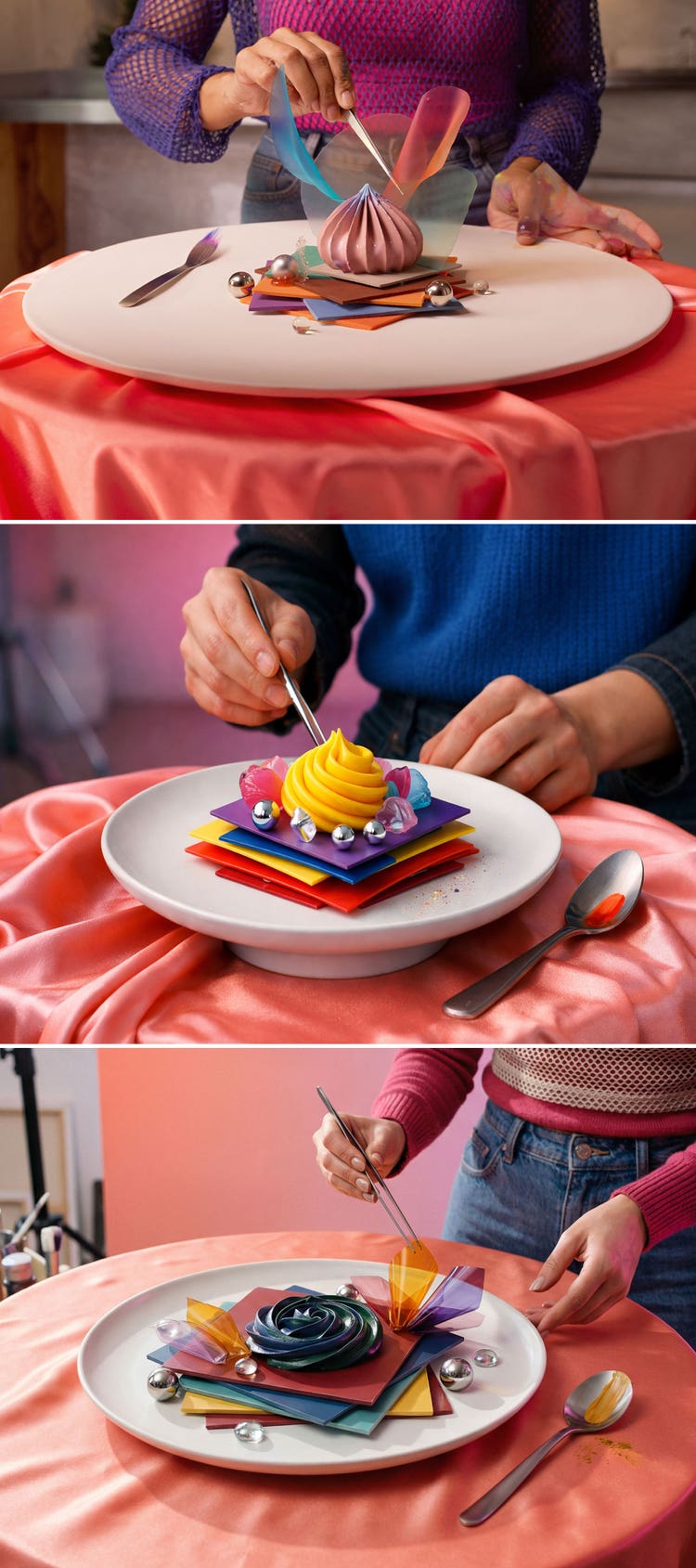
Experimenting with different models is where JSON context profiles become valuable: They enable you to carry a visual style from a successful prompt into any number of future generations. Think of them as style containers that include the essential details that define an image's look and feel—composition, lighting, mood, materials—without locking you into a single subject
Once you have that, you can generate new prompts using the same blueprint, swap subjects, and try different models without losing consistency.
Generative AI doesn’t work without your taste
When you treat prompting as a form of art direction, the results start to feel thoughtfully curated and designed. Once you learn the formula, the process moves quickly, and your creativity can multiply. The approach comes down to a few repeatable habits:
- Use LLMs like ChatGPT to write prompts. They save time and generate highly detailed starting points.
- Understand design terminology and the language of art direction so you can use them in your prompts.
- Start from scratch or use reference images to accelerate prompt generation.
- Experiment with models and choose intentionally to find the look that best suits the ideas in your head.
At the end of the day, your creativity is what sets you apart. Use generative AI to explore your imagination, and bring life to your presentation decks, but let your taste, humanity, and instincts set its direction.